
Setup
Updating to the Latest Version — and Rolling Back
"Will the new installer nuke my subscriptions?" is the single most asked question here. It won't. The installer only replaces program files; profiles, rules and settings live in your user directory and are version-independent.
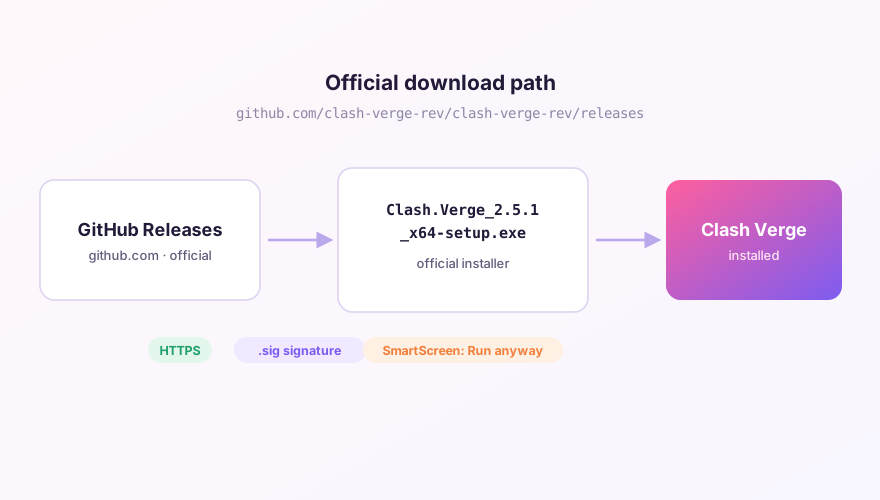
Windows: just install over the top
- Quit Clash Verge from the tray icon first — otherwise the installer complains that files are in use;
- Download the new exe, run it, keep the default install path;
- Launch and check the build number under Settings → About.
You do not need to uninstall first. Uninstalling is actually riskier: tick "also remove data" and your config really is gone. See the clean uninstall guide.
SponsoredWhere does the subscription link come from?Our partner provider gives you 1 GB of high-speed Hong Kong data at signup — import it in one click.Get high-speed nodesTwo things worth doing before you update
- Take a backup, or simply copy the whole
%APPDATA%\io.github.clash-verge-rev.clash-verge-revfolder somewhere safe — see WebDAV backup; - Write down the version you are on. If you have to roll back, you need to know where back is.
Rolling back to an older release
Every past release stays on the GitHub Releases page: find the tag, download the installer, install over the top. The download page always shows which build is current. One catch when going backwards: a config file written by a newer version may not parse on an older core. If the downgraded build throws a config error on start, swap the profile files in your user directory back to the backed-up copies.
The UI and the core update separately
Settings → Core Version updates the Mihomo core on its own, without touching the app. New protocol support and core-level fixes arrive there first — see switching cores. The reverse also holds: an interface bug is fixed by updating the app. The two are independent.
Right after an update, don't jump straight to TUN. Confirm the profile loads and a node connects first, then re-enable the advanced features one at a time. Much easier to pin down what broke.
Windows 64-bit installer · v2.5.1 · free & open source