
Setup
Install Clash Verge on Linux: deb, rpm and AUR
Linux support in Clash Verge is first-class — the deb and rpm packages come out of the same CI as the Windows and macOS builds. Match your distro:
Debian / Ubuntu family
sudo apt install ./Clash.Verge_2.5.6_amd64.debUse apt rather than dpkg -i so dependencies like libwebkit2gtk get pulled in automatically. On ARM boards (Raspberry Pi etc.) switch to arm64.deb or armhf.deb.
Fedora / openSUSE family
sudo dnf install ./Clash.Verge-2.5.6-1.x86_64.rpmArch / Manjaro
yay -S clash-verge-rev-binThe AUR package is community-maintained and usually updated the day a release lands. Upgrades then ride along with your normal yay -Syu — the lowest-friction option long-term.
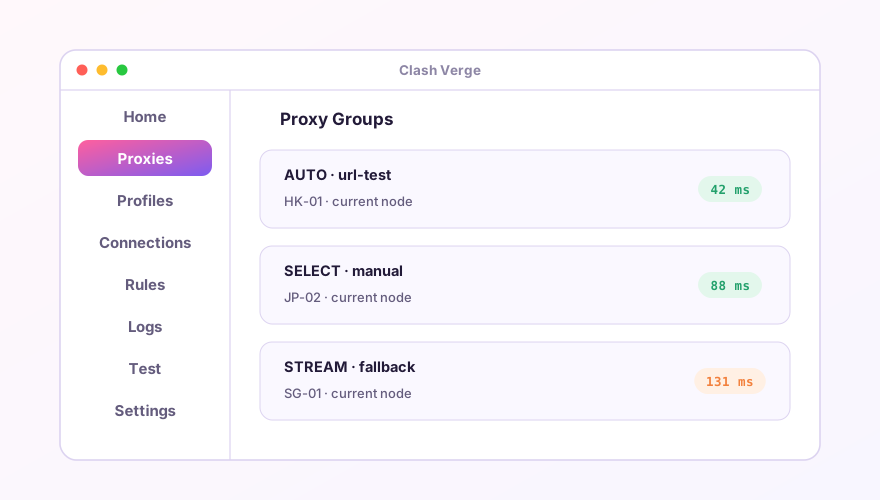
Linux-specific quirks
- No tray icon — GNOME removed the tray. Install the AppIndicator extension (
gnome-shell-extension-appindicator) and log out/in; - Blank window or crash on Wayland — force X11:
env GDK_BACKEND=x11 clash-verge, or bake the variable into the .desktop file; - TUN has no permission — creating a TUN device needs root. Install service mode from Settings, or grant capabilities:
sudo setcap cap_net_bind_service,cap_net_admin=+ep /usr/bin/verge-mihomo; - System proxy does nothing — it relies on GNOME/KDE proxy settings. On i3, Hyprland and other bare WMs, export
http_proxy=http://127.0.0.1:7897yourself.
Tip
On a headless server, skip Verge entirely — run the bare mihomo core with a web dashboard (metacubexd). The GUI adds nothing over SSH.
Don't have Clash Verge yet?
Download v2.5.7Windows 64-bit installer · v2.5.7 · free & open source