
Advanced
Getting WSL2 and Docker Through Clash Verge
The proxy is running on Windows, yet curl inside WSL2 still times out. That is not a bug. WSL2 has its own virtual network, and 127.0.0.1 in there points at WSL itself, not at the host.
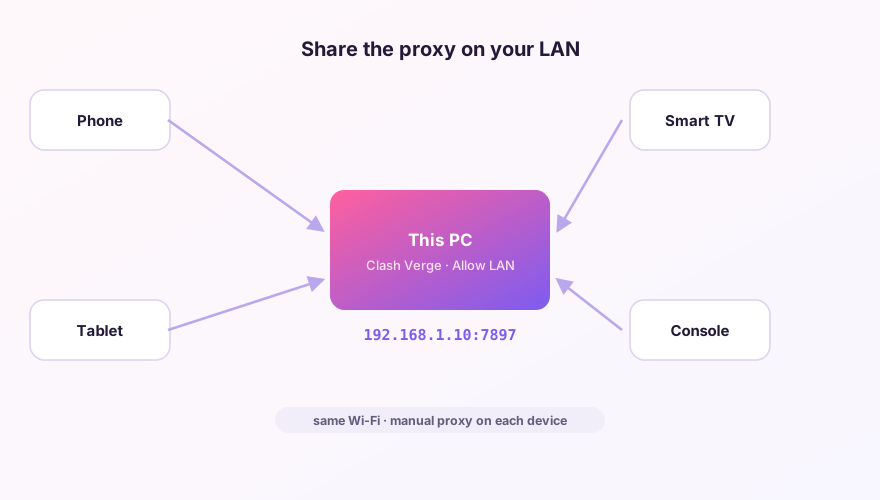
Allow LAN connections first
Turn on LAN access in Settings, otherwise the core only listens on 127.0.0.1 and WSL cannot reach it. Answer "allow" to the Windows Firewall prompt. Details in sharing the proxy over LAN.
SponsoredWhere does the subscription link come from?Our partner provider gives you 1 GB of high-speed Hong Kong data at signup — import it in one click.Get high-speed nodesPoint WSL at the host
export hostip=$(ip route show | grep -i default | awk '{print $3}')
export http_proxy="http://$hostip:7897"
export https_proxy="http://$hostip:7897"
The host address can change every time WSL restarts, which is why it's read from the routing table rather than hard-coded. Drop these lines into ~/.bashrc and you never type them again. Use whatever your actual mixed port is — if you changed it, see port conflicts.
Mirrored networking is simpler
Recent Windows 11 builds let WSL mirror the host network stack. In %USERPROFILE%\.wslconfig:
[wsl2]
networkingMode=mirrored
After wsl --shutdown and a restart, 127.0.0.1:7897 works directly inside WSL. Windows 10 has no such mode, so there you are stuck with the approach above.
Docker
From inside a container, the host is host.docker.internal. Build-time proxying has to be passed separately — runtime environment variables are not inherited by the build stage:
docker build --build-arg http_proxy=http://host.docker.internal:7897 .Enabling TUN does not reliably capture WSL2 traffic either — routing for that virtual adapter is Hyper-V's business. Environment variables remain the dependable way to be sure.
Windows 64-bit installer · v2.5.1 · free & open source