
Advanced
Customizing the Look: Dark Mode, Accent Colors and CSS Injection
Clash Verge's interface is a web page under the hood (that's Tauri), which makes it far more customizable than typical desktop software — from switching an accent color to repainting the whole UI with CSS.
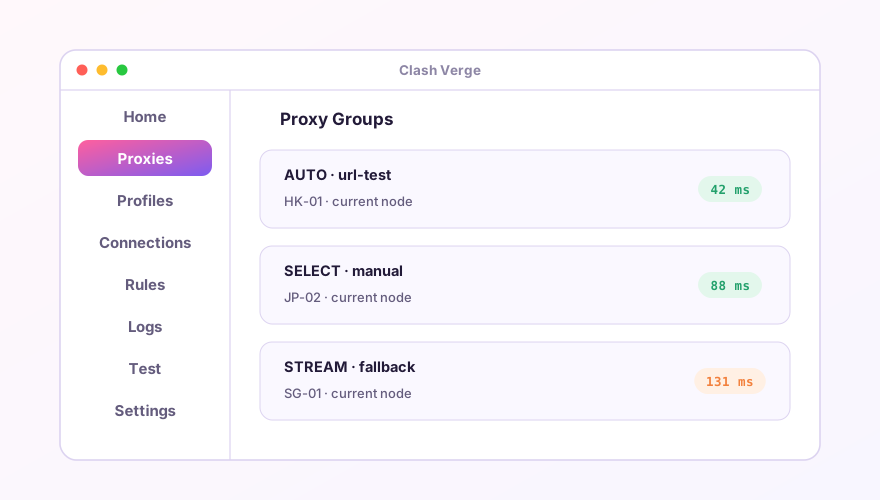
The basics: right in Settings
- Appearance — light / dark / follow system. Dark is kind to OLED panels;
- Accent color — preset swatches that color toggles, buttons and selection states;
- Language — the app UI ships Chinese, English, Russian, Persian and more, independent of this site's language;
- Traffic graph — can be switched off if you don't watch it (saves a little memory too).
Advanced: inject your own CSS
Settings → appearance options include a custom-CSS entry (location varies slightly by version). Plain CSS overrides the UI — for example, a gradient sidebar:
.MuiDrawer-paper {
  background: linear-gradient(160deg, #2b1b4d, #1a1230) !important;
}
.MuiListItemButton-root.Mui-selected {
  background: linear-gradient(118deg, #ff5f9e, #7d5cf0) !important;
}
The UI is React + MUI; to find an element's class name, use the developer inspector (available in some builds via settings).
Ground rules
- Bad CSS can only make things ugly — it can't break proxying. Experiment freely;
- Major updates may rename classes; if your theme dies after an upgrade, clear and rewrite;
- Changes not showing? Close and reopen the main window to force a re-render.
Tip
Theme settings are part of app config, so a WebDAV backup carries them along — no re-theming on a new machine.
Don't have Clash Verge yet?
Download v2.5.7Windows 64-bit installer · v2.5.7 · free & open source